LuckyScripts / FiveM
Business Management
A production-ready, Lua-based restaurant and business management framework built for FiveM servers. Designed with lazy-loading architecture, RAM-first caching,...
LUCKYSTORE
FIVEM / SYSTEM
Price before tax
Checking price...
Your CFX account connects the purchase to you. Tax and final totals are confirmed by Tebex at checkout.
Purchasing becomes available after the live price is confirmed.
About this system
Full-Featured, Optimized & Dynamic Restaurant/Business Management System for FiveM
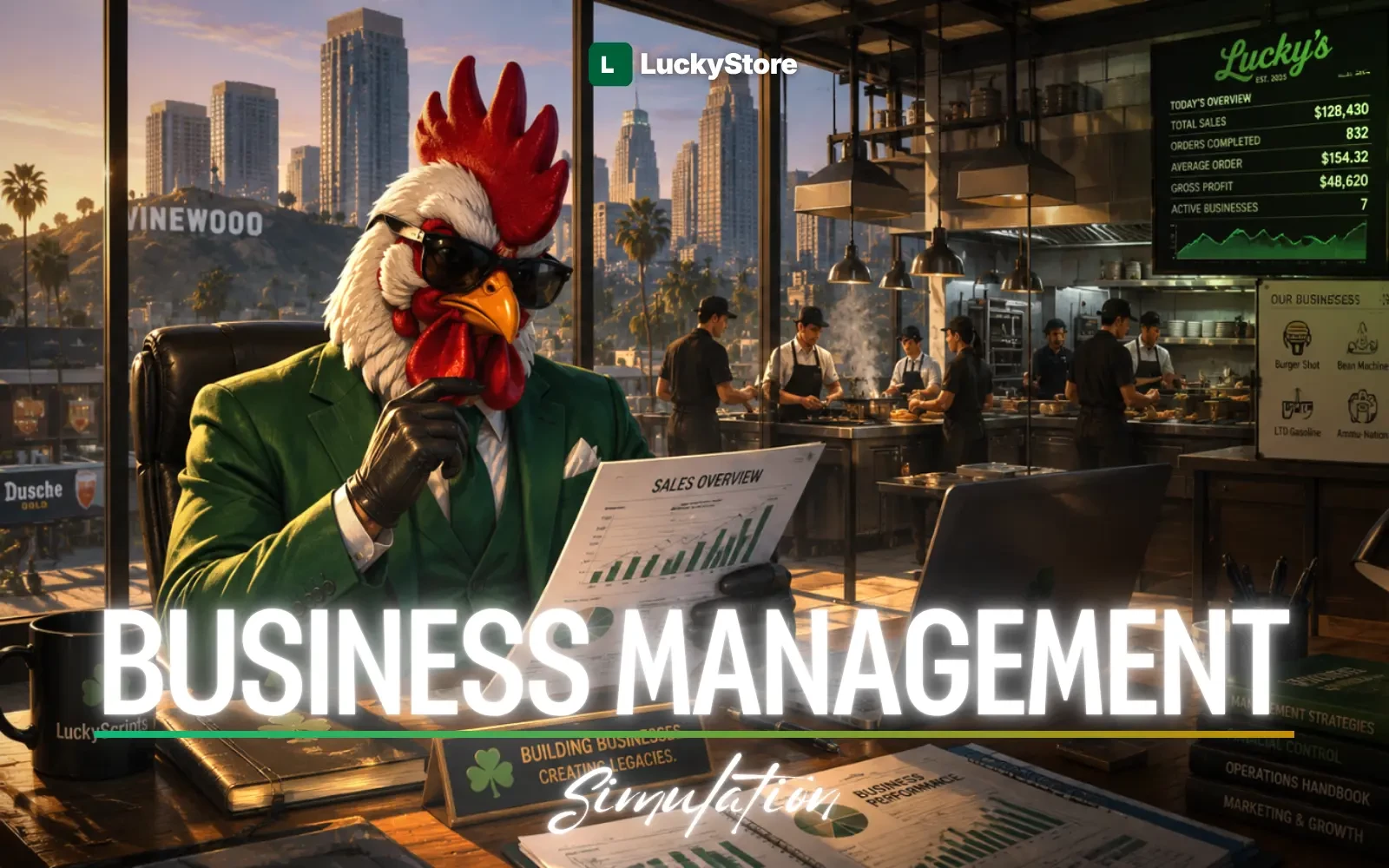
A production-ready, Lua-based restaurant and business management framework built for FiveM servers. Designed with lazy-loading architecture, RAM-first caching, framework-agnostic bridge system, and complete ox_lib integration for a premium roleplay experience.
Includes inventory items images.
In your world
More reasons to roleplay.
Customers and staff interact through ordering and payment.
Kitchen staff prepare recipes and follow the order queue.
What comes with it
Multi-Restaurant Support
Unlimited restaurants, each with independent menus, recipes, orders, and settings.
Dynamic Menu Management
Add, edit, remove menu items with categories and pricing in real-time.
Kitchen Station System
Cooking stations (Grill, Fryer, Oven, Coffee Machine) and Assembly stations (Prep Table, Drink Station).
Dynamic Recipe System
Create restaurant-specific recipes with custom ingredients, linked to menu items.
Cart & Order System
Full customer ordering flow with FIFO queue, status tracking, and real-time kitchen updates.
Payment System
Cash and bank card payments with customer confirmation flow.
Receipt System
Physical receipt items (ox_inventory) with metadata, single/bulk redemption at NPC.
Tip System
Configurable tip percentages (0-20%) added during payment.
Discount System
Time-limited hourly discounts targeting all products, categories, or specific items with overlap prevention.
Z Report System
Revenue analytics: total income, tips, payment method breakdown, discount stats.
Wholesale Market
NPC-based bulk ingredient purchasing via ox_inventory shop system
Product questions
Restaurants don't appear after server restart?
Restaurants are lazy-loaded. They load on first player interaction. Use PreloadAllRestaurants() export if you want warm-up at startup.
Orders disappear after restart?
By design. Active orders live only in RAM. Completed/cancelled orders are logged to lcky_orders_log.
Restaurant is always closed after restart?
Intentional. ResetAllRestaurantsOpenStatus() runs on resource start. A manager must open the restaurant each session.
How do I add a new restaurant?
1) Add the job to your framework. 2) Add it to Config.Restaurants and Config.RestaurantJobs. 3) Use /restaurantadmin in-game to register it with coordinates.
How do I add new cooking station processes?
Edit shared/config_stations.lua → Add entries to Config.CookingStations[stationType].processes.
How do I add new assembly ingredients?
Add entries to Config.AssemblyIngredients in config_stations.lua.
How do I add a new menu category?
Add an entry to Config.MenuCategories in config.lua.
NEED HELP?
JOIN DISCORD.